


-
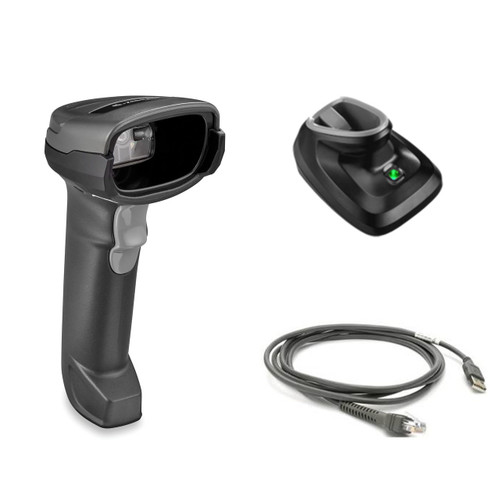
DS2278-SR BLACK PRESENTATION CRADLE USB KIT: DS2278-SR00007ZZWW SCANNER, CBA…
SKU: DS2278-SR7U2100PRWSee PriceMSRP: $508.77$424.03 -

LS2208-SR Black USB KIT - NA ONLY: LS2208-SR20007NA Scanner, CBA-U01-S07ZAR …
SKU: LS2208-7AZU0100ZNASee PriceMSRP: $148.22$137.43 -
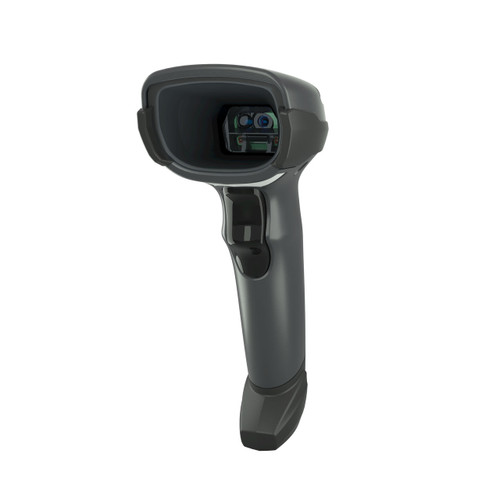
DS4608: AREA IMAGER, STANDARD RANGE, TWILIGHT BLACK | DS4608-SR00007ZZWW
SKU: DS4608-SR00007ZZWWSee PriceMSRP: $273.70$253.77 -

LS2208-SR Black with Stand USB KIT - NA ONLY: LS2208-SR20007NA Scanner, CBA-…
SKU: LS2208-SR20007R-NASee PriceMSRP: $161.23$149.49 -
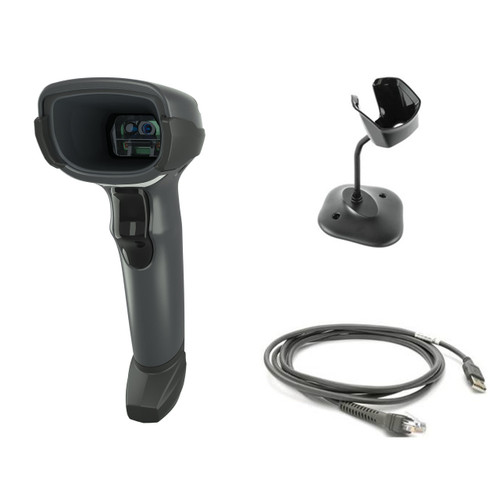
DS4608-SR Black with Stand USB KIT: DS4608-SR00007ZZWW Scanner, CBA-U21-S07Z…
SKU: DS4608-SR7U2100SGWSee PriceMSRP: $327.84$273.24 -

LS2208 Black with Stand USB Kit: LS2208-SR20007R Scanner, CBA-U01-S07ZAR USB…
SKU: LS2208-SR20007R-URSee PriceMSRP: $161.23$149.49 -

LI2208: Linear Imager, Standard Range, Corded, Twilight Black | LI2208-SR000…
SKU: LI2208-SR00007ZZWWSee PriceMSRP: $146.84$136.15 -
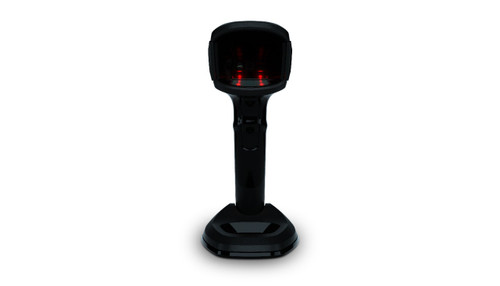
DS9908: PRESENTATION AREA IMAGER, STANDARD RANGE, CORDED, MIDNIGHT BLACK, CH…
SKU: DS9908-SR00004ZCWWSee PriceMSRP: $408.58$378.83 -
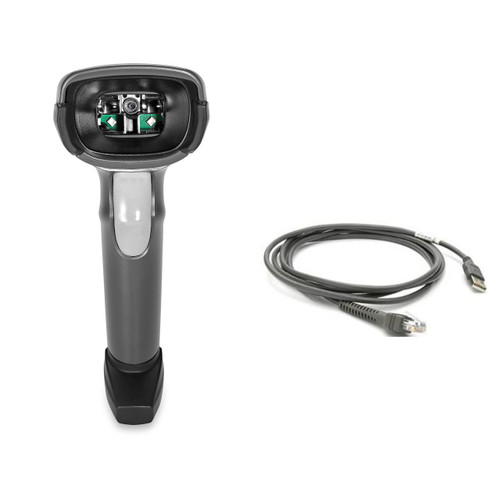
DS2208-SR BLACK USB KIT: DS2208-SR00007ZZWW SCANNER, CBA-U21-S07ZBR SHIELDED…
SKU: DS2208-SR7U2100AZWSee PriceMSRP: $201.02$167.53 -

DS4678-DL Black Presentation Cradle USB KIT: DS4678-DL00007ZZWW Scanner, CBA…
SKU: DS4678-DL7U2100PFWSee PriceMSRP: $696.22$645.53 -

DS4678-DL Black Standard Cradle USB KIT: DS4678-DL00007ZZWW Scanner, CBA-U21…
SKU: DS4678-DL7U2100SFWSee PriceMSRP: $696.22$645.53 -

DS4678: AREA IMAGER, DL PARSING, CORDLESS, TWILIGHT BLACK
SKU: DS4678-DL00007ZZWWSee PriceMSRP: $409.34$379.53 -

DS4678-SR Black Presentation Cradle USB KIT: DS4678-SR00007ZZWW Scanner, CBA…
SKU: DS4678-SR7U2100PFWSee PriceMSRP: $676.25$563.61 -

DS4678: AREA IMAGER, STANDARD RANGE, CORDLESS, TWILIGHT BLACK
SKU: DS4678-SR00007ZZWWSee PriceMSRP: $389.38$361.02 -

DS4678-SR Black Standard Cradle USB KIT: DS4678-SR00007ZZWW Scanner, CBA-U21…
SKU: DS4678-SR7U2100SFWSee PriceMSRP: $676.25$563.61 -

DS9308-DL BLACK USB KIT - NA: DS9308-DL00004ZZNA SCANNER, CBA-U21-S07ZBR SHI…
SKU: DS9308-DL4U2100AZNSee PriceMSRP: $433.56$357.32 -

DS9908: PRESENTATION AREA IMAGER, HIGH DENSITY, DL PARSING, WHITE ILLUMINATI…
SKU: DS9908-HL4000WZZNASee PriceMSRP: $405.16$354.15 -

DS8178: Area Imager, Standard Range, Cordless, FIPS, Nova White, Mfi | DS817…
SKU: DS8178-SR0F006ZMWWSee PriceMSRP: $649.41$602.13 -

DS9308-SR WHITE USB KIT: DS9308-SR0000WZZWW SCANNER, CBA-U21-S07ZBR SHIELDED…
SKU: DS9308-SRWU2100AZWSee PriceMSRP: $410.19$338.08 -

DS2278-SR WHITE MICROUSB KIT: DS2278-SR00006ZZWW SCANNER, 25-MCXUSB-01R MICR…
SKU: DS2278-SR6UMC00AZWSee PriceMSRP: $313.56$290.74
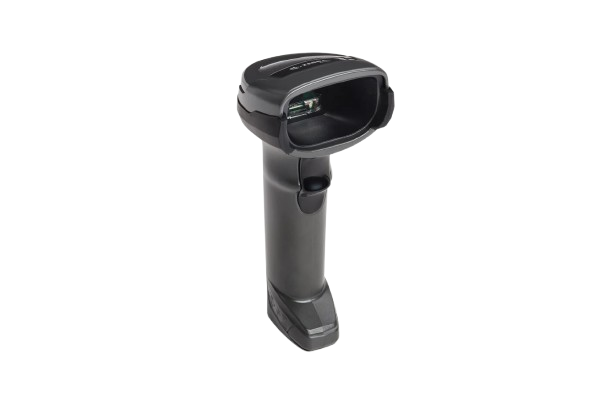
Flexible 2D and DPM
DS4600 Series 1D/2D Scanners
One family for standard, specialty and direct-part-mark scanning.
Choose cordless DS4678, corded DS4608 or DS4608-DPE for direct part marks on electronics and components.
Quick comparison
DS4678 is wireless 2D. DS4608 is corded 2D with standard, driver-license, high-density and EAS choices. DS4608-DPE is the specialist for direct part marks.